Agencies and tour operators
To organize packages and offers, track bookings and keep sales information close to daily operations.

Preparing for launch
Technology for those who turn
trips and events into experiences.
Organize products, track bookings and connect your operations with your company's commercial presence on a platform built for tourism.
A new chapter for your operation starts here.
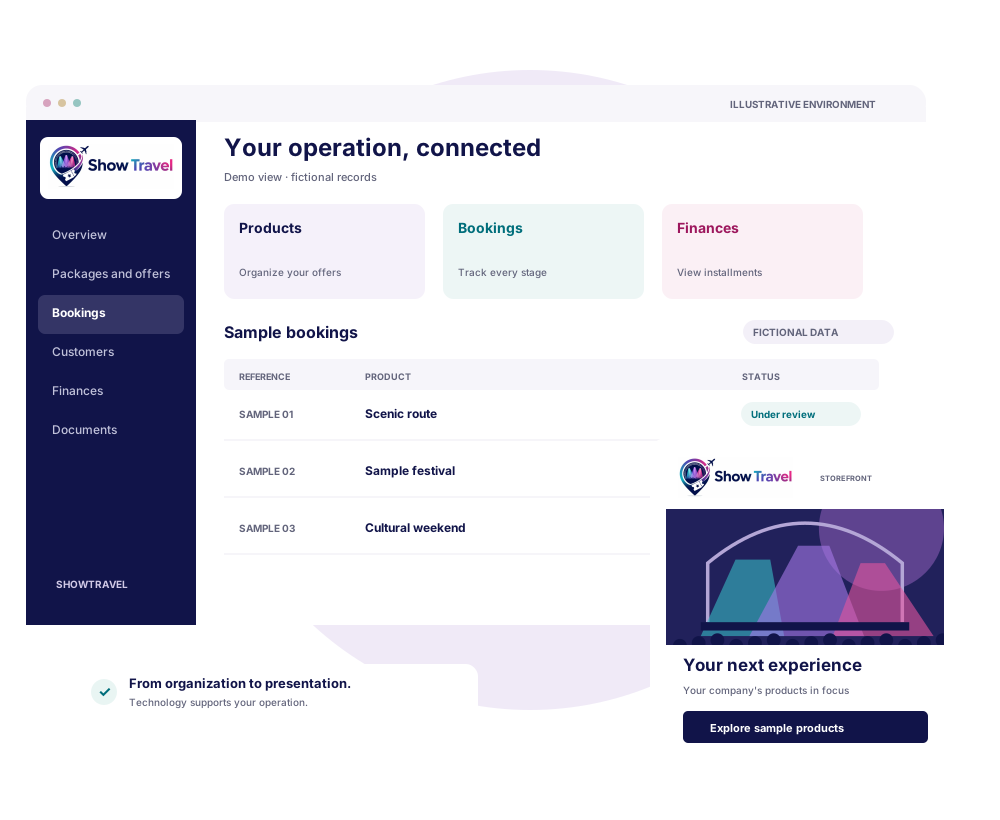
Products & offers
Bookings & customers
Finances & documents
BUILT FOR YOUR OPERATION
SHOWTRAVEL is a technology platform for tourism businesses, excursions and experiences linked to trips and events. It connects day-to-day management with the way your products reach customers.
Your company organizes and sells its own products. SHOWTRAVEL provides the technology to support that journey, respecting each operation's access rights and settings.
To organize packages and offers, track bookings and keep sales information close to daily operations.
To bring together services such as transport, accommodation and tickets when presenting your products.
To assign access to team members within the functions authorized for your company.
FROM FIRST INTEREST TO DAILY OPERATIONS
Features already implemented in the platform.
Availability depends on your account's settings,
validation and permissions.
Organize packages, offers and services with descriptions, images and commercial information. Clearly show what each experience includes.
Packages · Offers · ServicesView bookings, passengers and services linked to a sale. Keep the information you need to follow up on customer service and operations.
Bookings · Passengers · CustomersTrack charges, installments and receivables linked to bookings. View payment status within the commercial workflow you are authorized to access.
Charges · Installments · ReceivablesUse storefronts and visual identity features to present products under your company's brand. Languages and currencies follow the configured options.
Storefronts · Identity · ContentUse the payment methods and processors available to your company, subject to the agreements, registration and activation required for each integration.
Specific availability and configurationKeep vouchers, contracts and documents linked to the booking together. Support customer communication with the notices provided in each workflow.
Documents · Vouchers · CommunicationA feature's availability does not automatically grant access to every function. Integrations and payments have their own conditions; transaction approval depends on the respective processors.
INSIDE THE EXPERIENCE
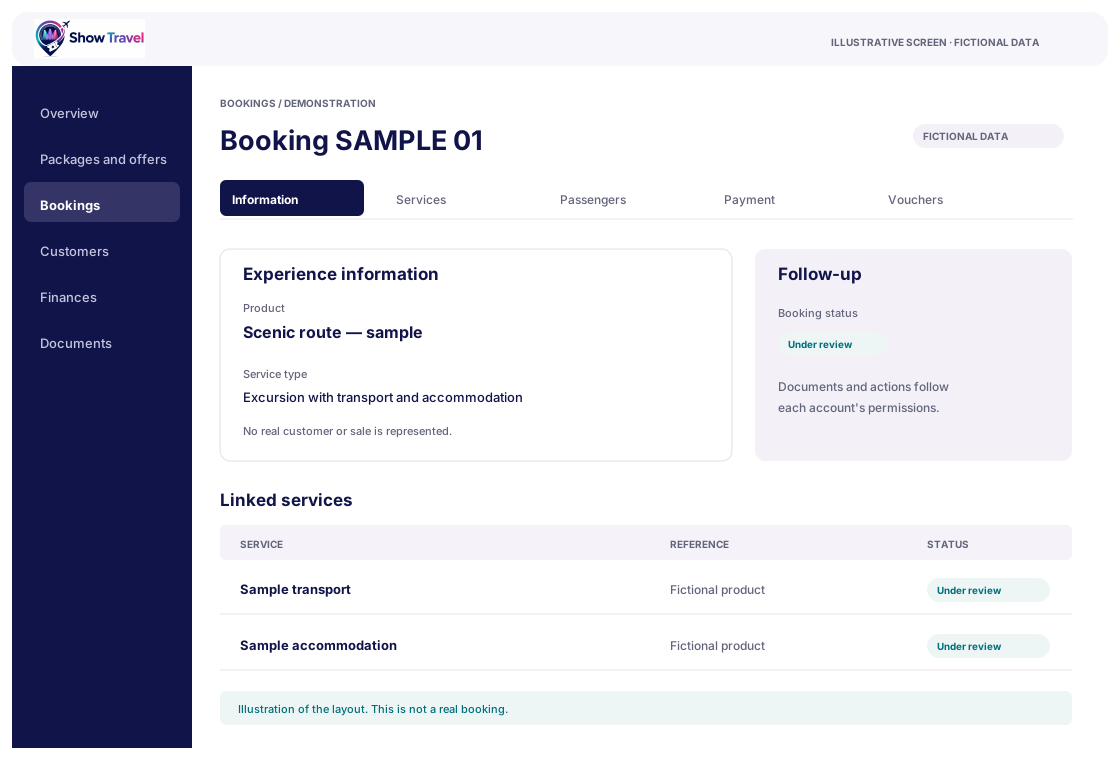
From viewing a booking to checking services and installments, the administrative areas help your team track what needs attention.
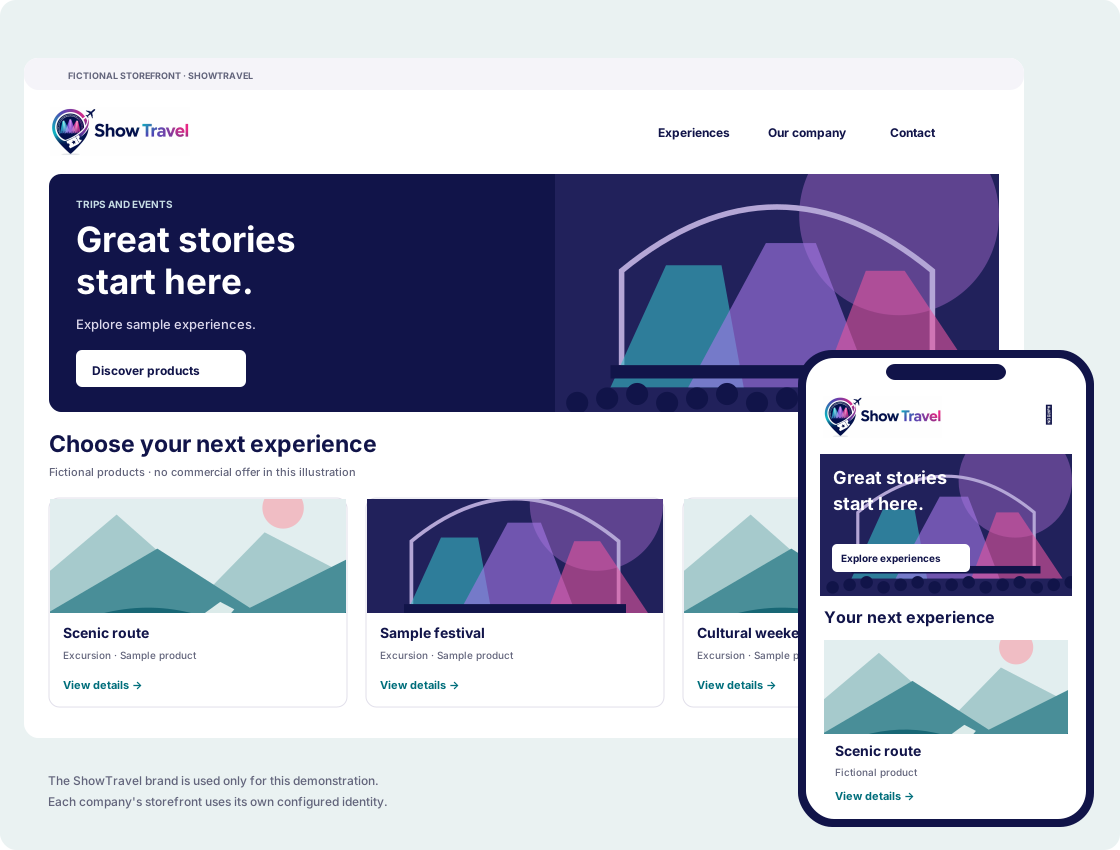
Descriptions, images and offers bring customers closer to the experience your company sells. Your visual identity follows your commercial presence.
Each storefront's deployment requires assessment and configuration. Automatic publication on external servers is not offered in this presentation.
A WELL-ORGANIZED START
We are preparing for launch.
For now, the first step is a conversation.
Send your contact details and describe your company's routine. This contact does not create an account or constitute an agreement.
When registration becomes available to your company, PIN confirmation lets you start configuring the account within the access granted.
Fill in the permitted information. Company validation is performed by the authorized SHOWTRAVEL team; companies cannot approve themselves.
Features follow permissions and settings. Functions requiring a validated company become available only after that step.
BEFORE YOU CONTINUE
A clear conversation starts
with shared expectations.
SHOWTRAVEL is preparing for launch. The form lets the team respond to your interest; it does not grant immediate access or constitute an agreement. Commercial terms and availability will be discussed directly with the team.
This page presents the technology platform. Products and services are sold and operated by the companies responsible for each offer. Using the platform does not transfer those responsibilities to SHOWTRAVEL.
No. After registration is confirmed, the account can begin the permitted setup. Some functions require company registration and validation, as well as specific permissions and activation. Team members work within the access granted.
Options depend on the integrations available and enabled for the company, valid credentials and the terms agreed with processors. Approval, timeframes and transaction rules follow the service involved.
The platform includes storefront and customization features. Deployment must be assessed and configured for each operation. Automatic publication of storefronts on external servers is not promised.
The screens are illustrations based on existing areas of the platform. The records and products shown are fictional. ShowTravel branding is also used on the sample storefront; this does not represent a tourist offer from SHOWTRAVEL.
No. The information you provide will be used to respond to this contact. You are not automatically added to promotional lists. See the privacy information.
LET'S TALK
Tell us how your company works and what you need from a management and commercial presentation platform.
contact@showtravelsystem.comPreparing for launch.
No automatic registration. No commitment to purchase.
Fields marked * are required.